Reference-to-Video
Your images, brought to motion.
Upload up to 4 reference images — a character, a product, a place — and Kling O3 builds the video around them. The subject in the output is your subject, not a lookalike the model invented.
Sign up and generate for free
By continuing, I acknowledge the Privacy Policy and agree to the Terms of Use. I also confirm that I am at least 18 years old
 With Audio
Best price on market for generations on the best AI models
Build multi-shot video around your reference images — locked identity, native audio, 3–15 seconds.
Sign up and generate for free
By continuing, I acknowledge the Privacy Policy and agree to the Terms of Use. I also confirm that I am at least 18 years old
With AudioBest price on market for generations on the best AI models
Kling O3 runs the same 3.0-generation engine as Kling 3.0 — multi-shot planning, realistic acting, native audio — but enters through your images instead of a blank prompt. It processes text, image, and video as one representational language, so your references aren't a style hint: they're the subject. Inside SpaceMotion's AI Toolkit it sits alongside Veo, Sora, Nano Banana and Flux, so your concept, photo and video work all live in a single workspace.
Kling O3 is reference-first video generation — up to 4 anchor images, character identity locked across up to 6 camera cuts, native audio with lip sync, and flexible 3–15 second durations.
Your images, brought to motion.
Upload up to 4 reference images — a character, a product, a place — and Kling O3 builds the video around them. The subject in the output is your subject, not a lookalike the model invented.
Same face, every shot.
O3 locks face, posture, clothing, and voice across every cut and scene transition. Generate a series over days and your character stays recognizably the same — no identity drift.
Up to 6 cuts in one pass.
Establishing shots, close-ups, wide reveals — up to 6 camera cuts in a single generation, with style, lighting, and identity held consistent across every transition.
Dialogue, SFX, and ambience included.
Sound is rendered in the same pass as the picture — dialogue with lip sync, effects, atmosphere, and music. Describe the audio in your prompt and skip post-production entirely.
Kling O3 is the Omni tier of Kuaishou's Kling 3.0 family, launched in February 2026. It generates multi-shot video built around your reference images — locking character identity across every cut — with native audio, lip sync, and clip durations from 3 to 15 seconds.
Most video models generate from text alone or animate a single frame. Kling O3 treats your reference images as the ground truth: the character, product, or place in your references is what appears in the video, consistent across up to 6 camera cuts, with sound generated in the same pass.
Yes — Kling O3 is reference-driven by design. Upload 1 to 4 images of your subject and describe the scene in your prompt. If you want pure text-to-video, use Kling 3.0 instead; it runs the same multi-shot, native-audio engine without requiring references.
Clips run from 3 to 15 seconds at any whole-second length, in 16:9, 9:16, or 1:1 aspect ratios, with standard and pro quality modes.
Describe audio intent in your prompt — for example "ambient street noise, footsteps, distant jazz piano" — and O3 generates synchronized dialogue, sound effects, atmosphere, and music in the same render as the video.
Your reference images anchor the character's face, build, and clothing. O3's omni architecture keeps that identity locked across every shot in a generation — and across separate generations that reuse the same references.
Same 3.0-family engine, different entry point. Kling 3.0 is prompt-first: text- or single-image-to-video. Kling O3 is reference-first: it requires your images and builds the video around them, which is what you want when the subject already exists — a brand character, a product, a real person.
Kling O1 (December 2025) was Kuaishou's first unified multimodal video model — reference images to 5- or 10-second clips. O3 is its successor in the 3.0 family: flexible 3–15 second durations, multi-shot sequencing up to 6 cuts, and native audio with lip sync.
You can try Kling O3 on SpaceMotion's Free plan, which includes 10 credits per month. Free-plan outputs include a watermark and are for personal use. Paid plans include commercial licensing and more credits — see the Pricing page for details.
Join thousands of creators building reference-driven video with Kling O3.
Start building reference-driven video with Kling O3 inside SpaceMotion's AI Toolkit.
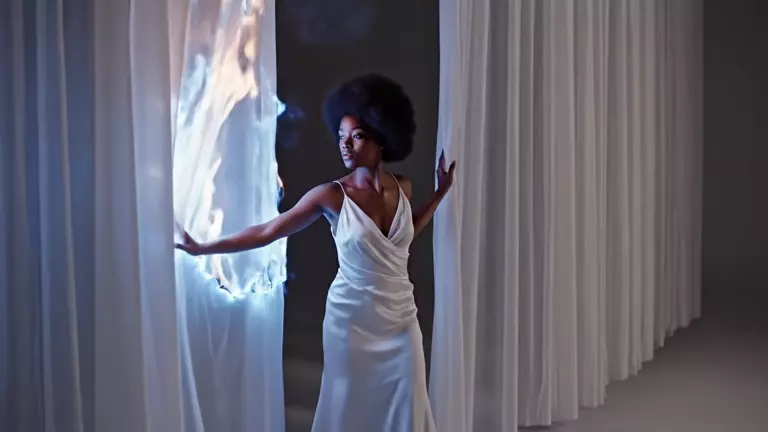
Add up to 4 reference images to anchor your character, product, or environment. These define who and what appears in the video.
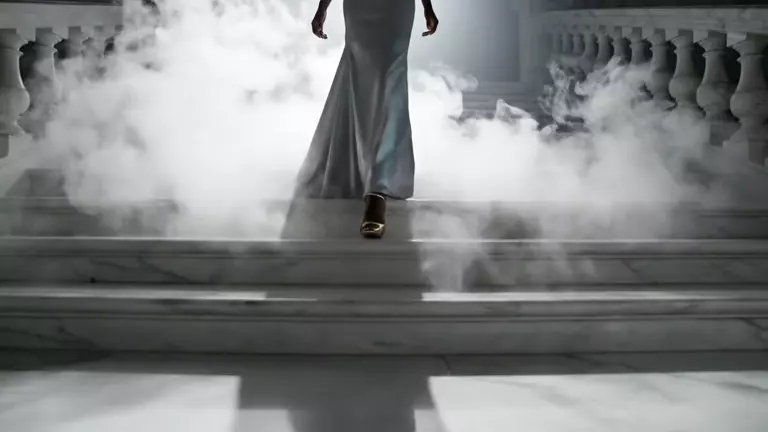
Describe the action, camera cuts, mood, and audio in plain language. O3 plans the sequence around your references before rendering.
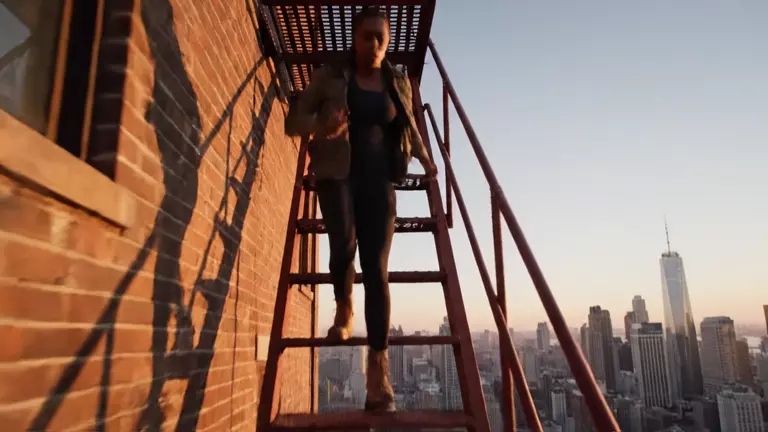
Receive a 3–15 second multi-shot video with synchronized native audio in a single pass. Download and publish — no post-production.
Not sure if Kling O3 is the right model for your projects? Compare Kling O3 vs Kling 3.0 and Kling O1 to see which Kling video model fits your workflow.
The Omni tier of the 3.0 family. Feed it up to 4 reference images and it builds the video around them — multi-shot with native audio, character identity locked across every cut. Pick this when your subject already exists.
The mainline director's model. Text- or image-to-video with up to 6 shots per generation, native audio with lip sync, realistic acting, and any duration from 3 to 15 seconds. Pick this for prompt-driven cinematic sequences.
More on Kling 3.0Kuaishou's first unified multimodal video model (December 2025). Turns up to 4 reference images into 5- or 10-second clips with strong multi-element consistency. Pick this for quick reference-driven clips.
More on Kling O1From brands with real products to filmmakers with recurring characters, Kling O3 is for anyone whose subject already exists.
Try Free Now
Your actual product, in motion — upload packshots and O3 keeps every detail faithful across shots.
Cast a character once and direct them through multi-shot sequences with consistent identity and voice.
Campaign spots built around approved brand assets — no lookalike drift between deliverables.
Turn a character or persona into a recurring series — same face, new scene, every post.
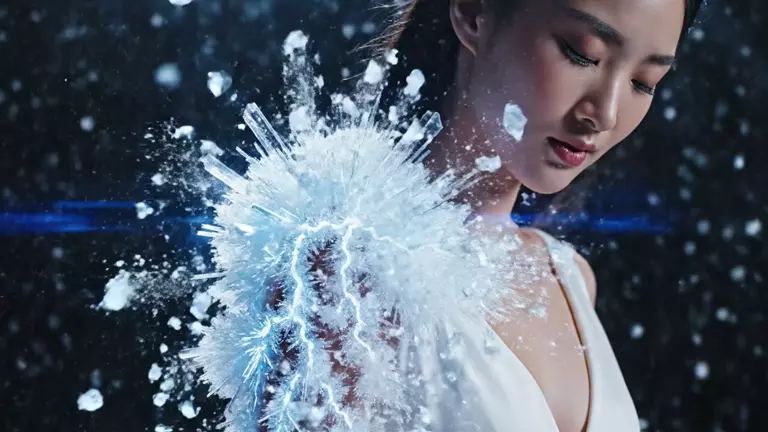
Prototype cinematics with your existing character art as the anchor, not a text description of it.
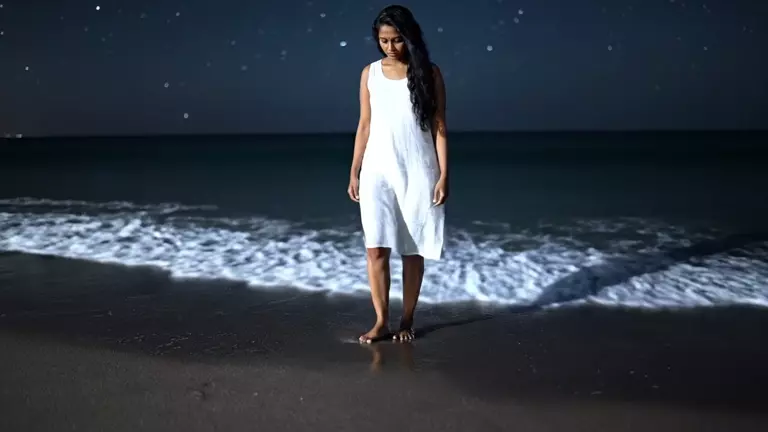
Reference-driven visuals with sound rendered in the same pass — picture and audio land together.
Upload your references and direct your first multi-shot sequence — free to try.
Sign up and generate for free
By continuing, I acknowledge the Privacy Policy and agree to the Terms of Use. I also confirm that I am at least 18 years old
With AudioBest price on market for generations on the best AI models