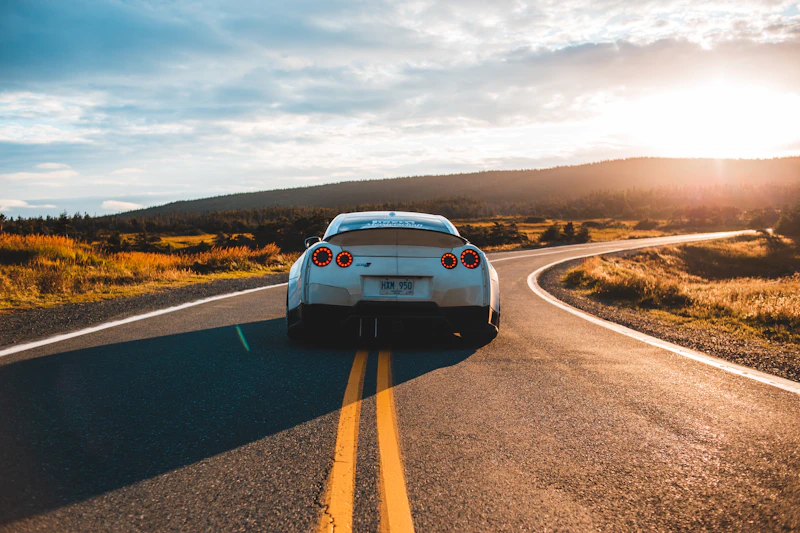
Kling 3.0

Multi-shot cinematic video with native audio and lip sync — any length from 3 to 15 seconds.

0%
Generating
Create an account to see generated video

Sign up and generate for free

You
Author

ModelLoading...
Prompt required

Kuaishou's "everyone can be a director" model

Kling 3.0 is the third generation of Kuaishou's Kling video engine, built around structured storytelling: it plans shots, performances, and sound together instead of rendering an isolated clip. Inside SpaceMotion's AI Toolkit it sits alongside Veo, Sora, Nano Banana and Flux, so your concept, photo and video work all live in a single workspace.

What sets Kling 3.0 apart

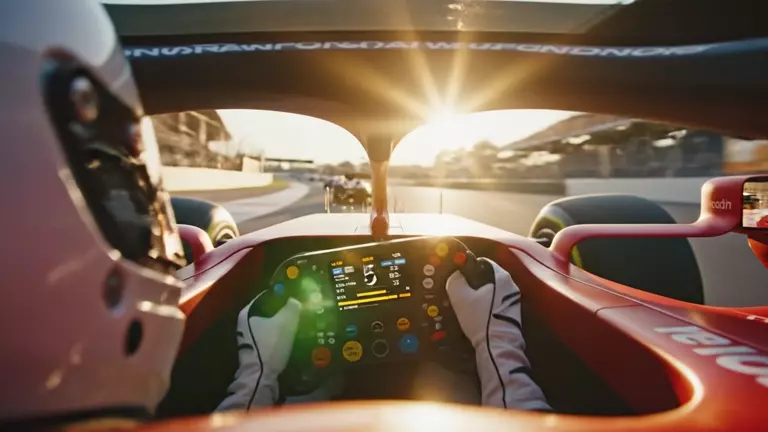
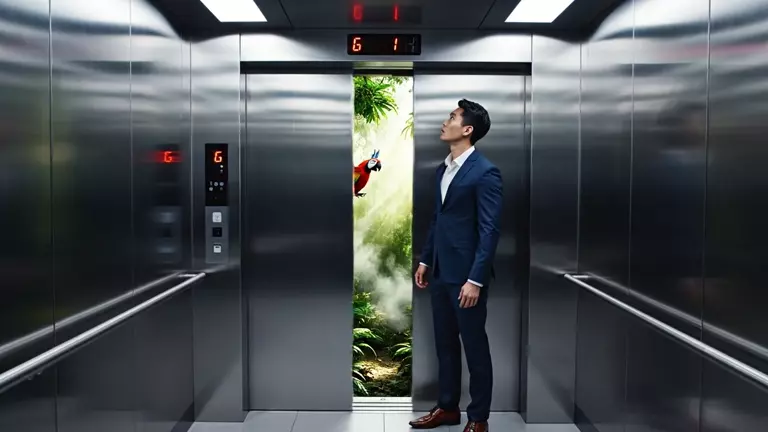
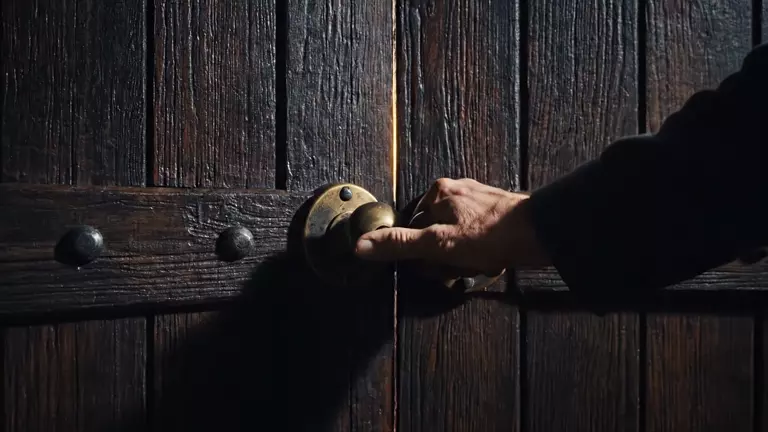
Kling 3.0 is built for directed sequences — multi-shot generation with up to 6 cuts, native audio with lip sync, realistic acting, and flexible 3–15 second durations from text or a reference frame.

Multi-Shot Storytelling

Up to 6 cuts in one generation.

Kling 3.0 composes establishing shots, close-ups, and reveals inside a single clip — up to 6 shots with consistent style, lighting, and characters across every transition. Sequences, not just clips.
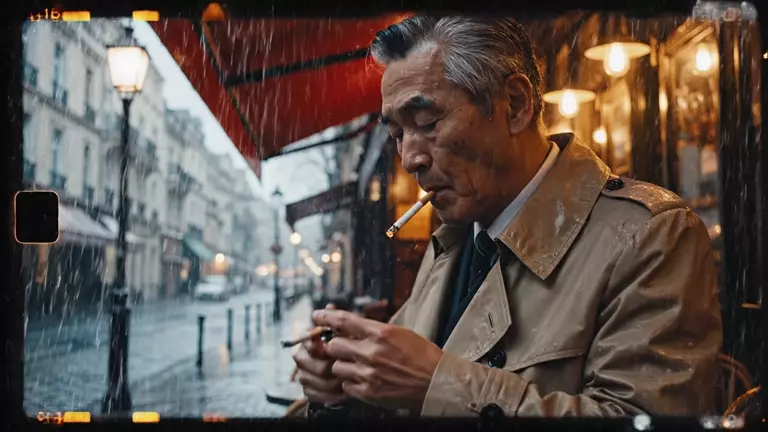
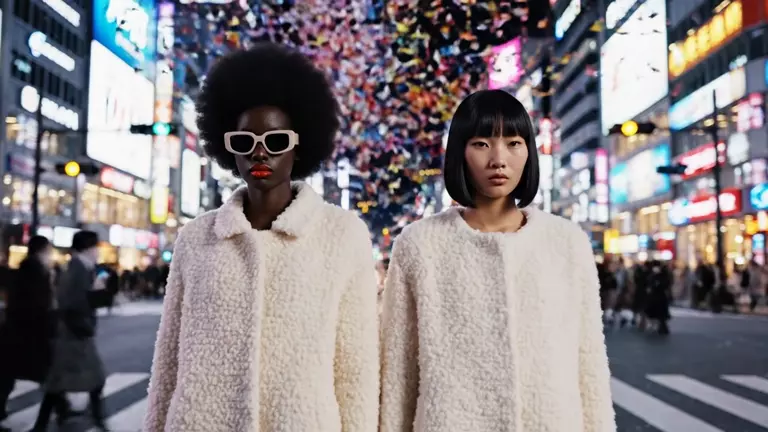
Native Audio & Lip Sync

Sound generated with every frame.

Dialogue, sound effects, ambience, and music are rendered in the same pass as the video, with synchronized lip movement. No dubbing tools, no audio layering, no post-production.

Realistic Acting

Faces that perform, not just move.

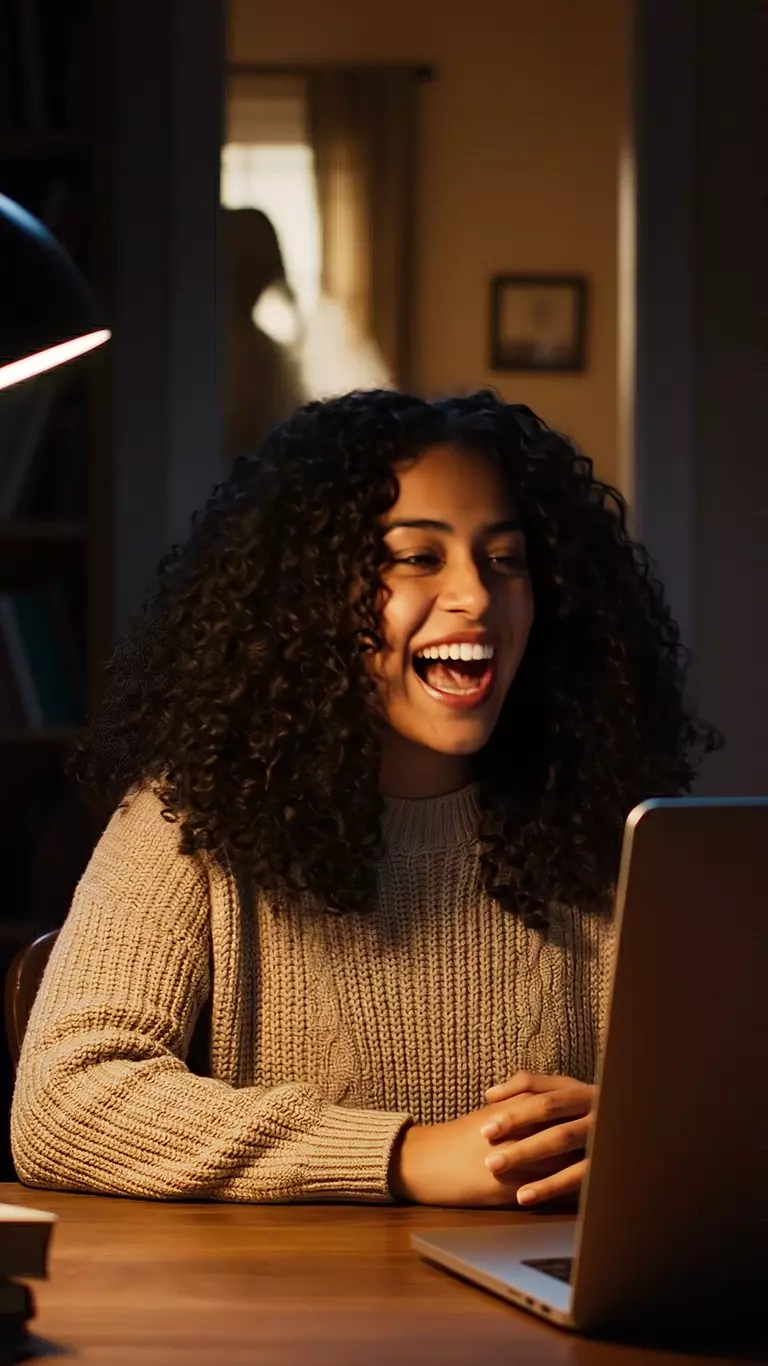
The headline upgrade over Kling 2.x: believable facial motion, dialogue pacing, and gestures. Characters hold eye lines, react on beat, and move through fast action without smearing.

Flexible 3–15s Duration

Any length, to the second.

Pick any whole-second duration from 3 to 15 — no more fixed 5-or-10 clips. Start from pure text, or anchor the first and last frame with reference images for precise image-to-video control.

What you can create with Kling 3.0

Questions,
answered.

Try Kling 3.0

Kling 3.0 is Kuaishou's flagship AI video generation model, launched in February 2026 under the theme "everyone can be a director". It generates cinematic video from text or a reference frame, with up to 6 shots per clip, native audio with lip sync, and flexible 3–15 second durations.

Describe the sequence you want — for example an establishing shot, a close-up, then a reveal — and Kling 3.0 plans and renders up to 6 camera cuts inside a single generation, keeping style, lighting, and character identity consistent across every transition.

Yes. Dialogue, sound effects, ambient atmosphere, and music are generated in the same pass as the video, with synchronized lip movement. Describe the audio you want directly in your prompt.

Any whole-second duration from 3 to 15 seconds, in 16:9 (widescreen), 9:16 (vertical), or 1:1 (square) aspect ratios.

Yes. Upload a first frame to animate an image, and optionally a last frame as well — Kling 3.0 generates the motion between them. With no images it works as pure text-to-video.

Kling 3.0 moves from fixed 5-or-10-second clips to any duration from 3 to 15 seconds, adds multi-shot sequencing with up to 6 cuts, native audio with lip sync, and a big step up in facial acting, prompt adherence, and physics.

Kling 3.0 is the mainline generation model — text- or image-to-video. Kling O3 is the Omni tier of the same 3.0 family: it builds videos around reference images, locking character identity across shots, and adds editing-grade control on top of the same multi-shot, native-audio engine.

You can try Kling 3.0 on SpaceMotion's Free plan, which includes 10 credits per month. Free-plan outputs include a watermark and are for personal use. Paid plans include commercial licensing and more credits — see the Pricing page for details.

Start creating with Kling 3.0

Join thousands of creators directing multi-shot AI video with Kling 3.0.

What Kling 3.0 Can Do For You

Generate with Kling 3.0 in three steps

Start directing cinematic sequences with Kling 3.0 inside SpaceMotion's AI Toolkit.

01
Write Your Prompt — Kling 3.0

Write Your Prompt

Describe your scene — characters, camera, mood, and audio intent. Optionally upload a first or last frame to anchor the shot.

02
Pick Duration & Ratio — Kling 3.0

Pick Duration & Ratio

Choose any length from 3 to 15 seconds and a 16:9, 9:16, or 1:1 frame to match where the video will run.

03
Generate & Download — Kling 3.0

Generate & Download

Kling 3.0 renders the full sequence with synchronized audio in one pass. Download and publish — no post-production.

How does Kling 3.0 compare
to other Kling models

Not sure if Kling 3.0 is the right model for your projects? Compare Kling 3.0 vs Kling O3 and Kling O1 to see which Kling video model fits your workflow.

Kling 3.0

The mainline director's model. Text- or image-to-video with up to 6 shots per generation, native audio with lip sync, realistic acting, and any duration from 3 to 15 seconds. Pick this for prompt-driven cinematic sequences.

Kling O3

The Omni tier of the 3.0 family. Feed it up to 4 reference images and it builds the video around them — same multi-shot, native-audio engine, with character identity locked across every cut. Pick this when your subject already exists.

More on Kling O3

Kling O1

Kuaishou's first unified multimodal video model (December 2025). Turns up to 4 reference images into 5- or 10-second clips with strong multi-element consistency. Pick this for quick reference-driven clips.

More on Kling O1

Who Kling 3.0 is built for

From filmmakers to social creators and brands, Kling 3.0 fits into any video workflow.

Try Free Now

Start creating with Kling 3.0

Direct your first multi-shot sequence with native audio — free to try.

0%
Generating
Create an account to see generated video

Sign up and generate for free

You
Author

ModelLoading...
Prompt required