Kling O1

The first unified multimodal video model — turn your reference images into consistent 5–10 second clips.

0%
Generating
Create an account to see generated video

Sign up and generate for free

You
Author

ModelLoading...
Prompt required

Kuaishou's first unified multimodal video model

Launched in December 2025, Kling O1 was the first video model to process text, images, and video in a single representational space — the foundation the newer Kling O3 builds on. Inside SpaceMotion's AI Toolkit it sits alongside Veo, Sora, Nano Banana and Flux, so your concept, photo and video work all live in a single workspace.

What sets Kling O1 apart

Kling O1 is reference-first video generation — up to 4 anchor images, multi-element consistency through the whole clip, and quick 5- or 10-second outputs in feed-ready formats.

Unified Multimodal Engine

One model, not a pipeline.

Kling O1 was built as a single model that understands text, images, and video together — Kuaishou billed it as the world's first unified multimodal video model. Your references and your prompt are read as one instruction, not stitched through separate tools.
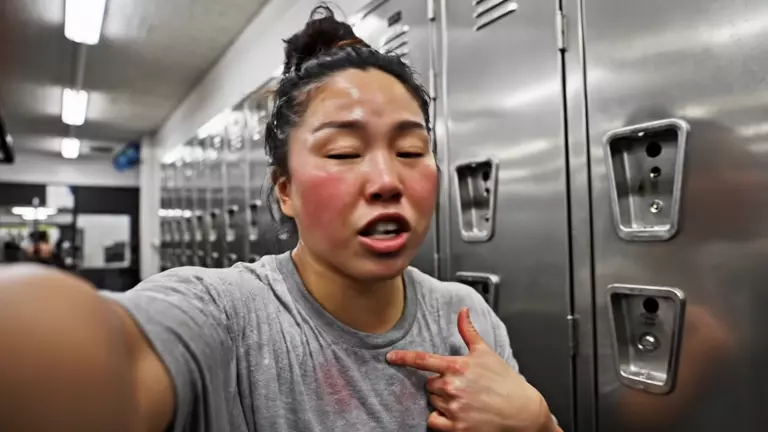
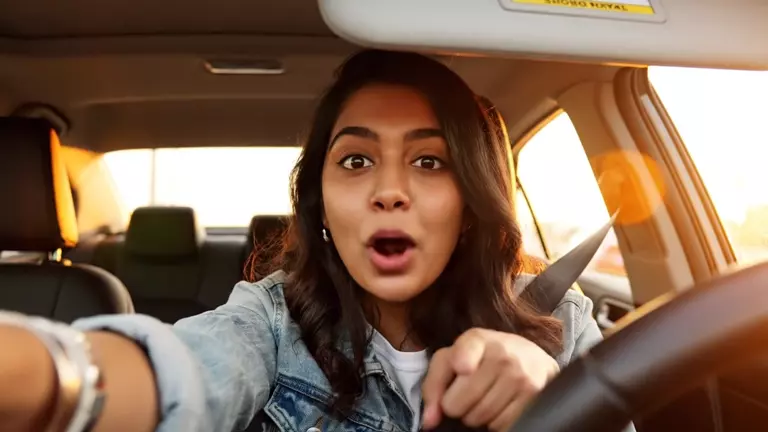
Reference-to-Video

Start from what you have.

Upload up to 4 reference images — a character, a product, a location — and O1 generates the clip around them. The output stays faithful to your subject instead of reinventing it.

Multi-Element Consistency

Characters and props hold together.

O1 tracks multiple referenced elements at once — the same character with the same prop in the same setting — and keeps each one coherent through the whole clip.

Quick 5s & 10s Clips

Sized for the feed.

Generate 5- or 10-second clips in 16:9, 9:16, or 1:1 — the formats short-form platforms actually run. Fast to generate, quick to iterate, easy to batch.

Questions,
answered.

Try Kling O1

Kling O1 is Kuaishou's first-generation unified multimodal video model, launched in December 2025 and billed as the world's first of its kind. On SpaceMotion it turns up to 4 reference images plus a text prompt into 5- or 10-second video clips with strong character and element consistency.

Most AI video systems bolt separate models together — one to read images, one to generate video. Kling O1 is a single model that processes text, images, and video in one representational space, so your references and prompt are understood together rather than translated between tools.

Yes. Kling O1 on SpaceMotion is reference-driven: upload 1 to 4 images of your subject and describe the scene in your prompt. For pure text-to-video, use Kling 3.0 instead.

Clips are 5 or 10 seconds long, in 16:9 (widescreen), 9:16 (vertical), or 1:1 (square) aspect ratios.

O1 tracks each referenced element — characters, props, settings — separately through the generation, so a character keeps their face and clothing while the prop in their hand stays the same prop, all the way through the clip.

O3 is O1's successor in the Kling 3.0 family (February 2026). Both are reference-driven, but O3 adds flexible 3–15 second durations, multi-shot sequencing with up to 6 cuts, and native audio with lip sync. O1 remains a fast, dependable choice for straightforward 5–10 second reference clips.

Kling 3.0 is prompt-first — text- or single-image-to-video with multi-shot sequences and native audio. Kling O1 is reference-first — it requires your images and builds the clip around them. If your subject already exists, start with O1 or O3; if you're starting from words, use 3.0.

You can try Kling O1 on SpaceMotion's Free plan, which includes 10 credits per month. Free-plan outputs include a watermark and are for personal use. Paid plans include commercial licensing and more credits — see the Pricing page for details.

Start creating with Kling O1

Join thousands of creators turning references into video with Kling O1.

What Kling O1 Can Do For You

Generate with Kling O1 in three steps

Start turning references into video with Kling O1 inside SpaceMotion's AI Toolkit.

01
Upload References — Kling O1

Upload References

Add up to 4 reference images to anchor your character, product, or scene. These define what appears in the clip.

02
Write Your Prompt — Kling O1

Write Your Prompt

Describe the action, camera, and mood in plain language. O1 reads your references and prompt as one instruction.

03
Generate & Download — Kling O1

Generate & Download

Pick 5 or 10 seconds and generate. Download your clip and publish — or iterate with the same references for a consistent series.

How does Kling O1 compare
to other Kling models

Not sure if Kling O1 is the right model for your projects? Compare Kling O1 vs Kling O3 and Kling 3.0 to see which Kling video model fits your workflow.

Kling O1

Kuaishou's first unified multimodal video model (December 2025). Turns up to 4 reference images into 5- or 10-second clips with strong multi-element consistency. Pick this for quick reference-driven clips.

Kling O3

O1's successor — the Omni tier of the 3.0 family. Same reference-first approach, plus multi-shot sequencing up to 6 cuts, native audio with lip sync, and any duration from 3 to 15 seconds. Pick this for directed sequences.

More on Kling O3

Kling 3.0

The mainline director's model. Text- or image-to-video with up to 6 shots per generation, native audio with lip sync, realistic acting, and any duration from 3 to 15 seconds. Pick this for prompt-driven cinematic sequences.

More on Kling 3.0

Who Kling O1 is built for

From social creators to brands with real products, Kling O1 is for anyone who wants quick, consistent clips from images they already have.

Try Free Now

Start creating with Kling O1

Upload your references and generate your first clip — free to try.

0%
Generating
Create an account to see generated video

Sign up and generate for free

You
Author

ModelLoading...
Prompt required