Native Audio Generation
Sound that matches every frame.
Dialogue, sound effects, ambient noise, and music — all generated in sync with the video. No separate audio tools, no lip-sync fixes, no post-production layering.
Sign up and generate for free
By continuing, I acknowledge the Privacy Policy and agree to the Terms of Use. I also confirm that I am at least 18 years old
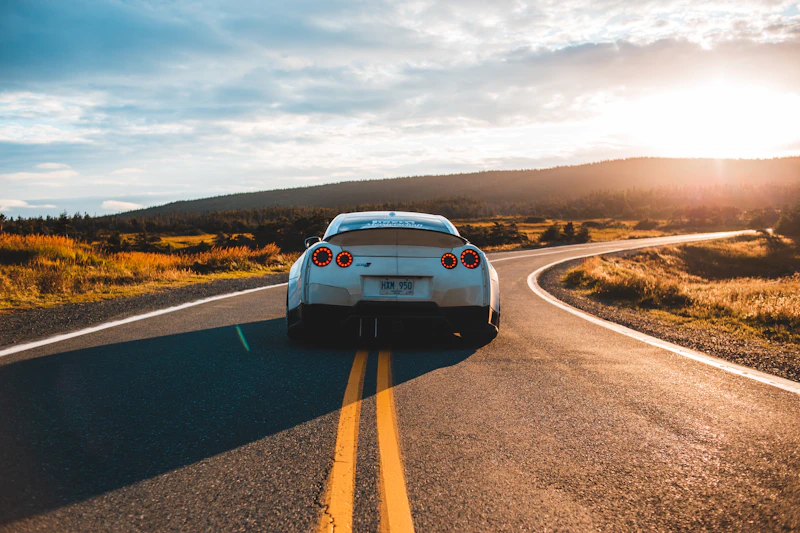 With Audio
Best price on market for generations on the best AI models
Generate native 4K video with fully synchronized dialogue, sound effects, and music — all in a single render. No post-production. No audio tools. Just the scene you imagined.
Sign up and generate for free
By continuing, I acknowledge the Privacy Policy and agree to the Terms of Use. I also confirm that I am at least 18 years old
With AudioBest price on market for generations on the best AI models
Veo 3.1 brings Google DeepMind's latest video foundation model directly to your browser, with cinematic detail, precise prompt adherence, and fully synchronized native audio on every render. Inside SpaceMotion's AI Toolkit it sits alongside Nano Banana Pro, Sora, Kling, Higgsfield and Flux, so your concept, photo and video work all live in a single workspace.
Cinematic video with native synchronized audio — generated from a single text prompt.
Veo 3.1 is an advanced AI video model — built for native 4K output, fully synchronized dialogue and sound, cinematic camera and lens control, and consistent character identity across every shot.
Sound that matches every frame.
Dialogue, sound effects, ambient noise, and music — all generated in sync with the video. No separate audio tools, no lip-sync fixes, no post-production layering.
Describe the shot. Get the shot.
Veo 3.1 understands camera angles, lens language, lighting moods, and scene pacing. Direct your scenes with the language of film — not the prompts of a model.
Your reference. Brought to life.
Upload up to 3 reference images to anchor character identity, visual style, or specific objects. Veo 3.1 generates the motion around them while keeping every detail faithful.
Build longer sequences.
Each new clip generates from the final second of the previous one — chain shots together for a minute or more of cinematic continuity, with consistent characters across scenes.
Veo 3.1 generates native 4K video clips up to 8 seconds long from a text prompt or reference images. It generates the video and its full audio — dialogue, sound effects, ambient noise, and music — in a single pass.
Veo 3.1 delivers richer native audio, stronger narrative control, improved image-to-video fidelity, and more consistent character identity across scenes. The audio quality and lip-sync accuracy are significantly better than Veo 3.
Yes — Veo 3.1 is the only major AI video model that generates fully synchronized audio alongside the video in one render. No separate audio tools or post-production are required. Audio is generated at 48kHz stereo with lip-sync accuracy under 120ms.
Veo 3.1 generates video at up to 4K resolution at 24, 30, or 60fps. It supports 16:9 landscape, 9:16 portrait, and auto aspect ratios — covering everything from social clips to cinematic widescreen.
Yes. You can upload up to 3 reference images to guide character appearance, visual style, or specific objects. This ensures consistent character identity across different scenes and shots.
You can try Veo 3.1 with our free plan. Create a free account to generate your first clips. Paid plans unlock higher resolutions, longer clips, faster generation, and more monthly credits.
A glimpse at what the community is creating right now.
Join thousands of creators pushing the boundaries of AI video with Veo 3.1.
Start creating cinematic video with Veo 3.1 inside SpaceMotion's AI Toolkit.
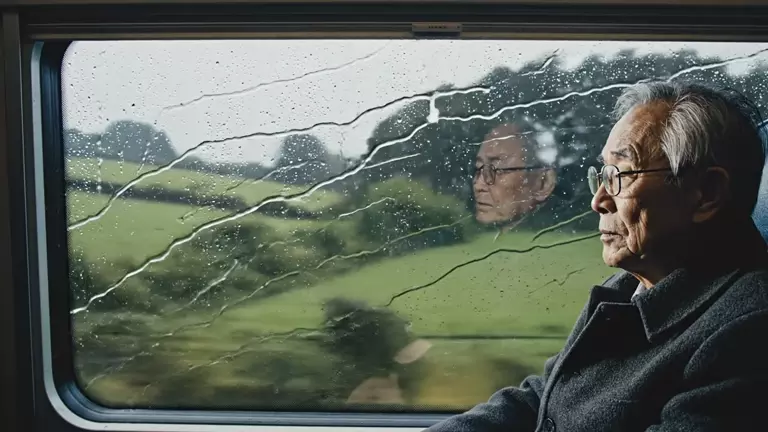
Add up to 3 reference images to anchor character identity, style, or specific objects across every shot.
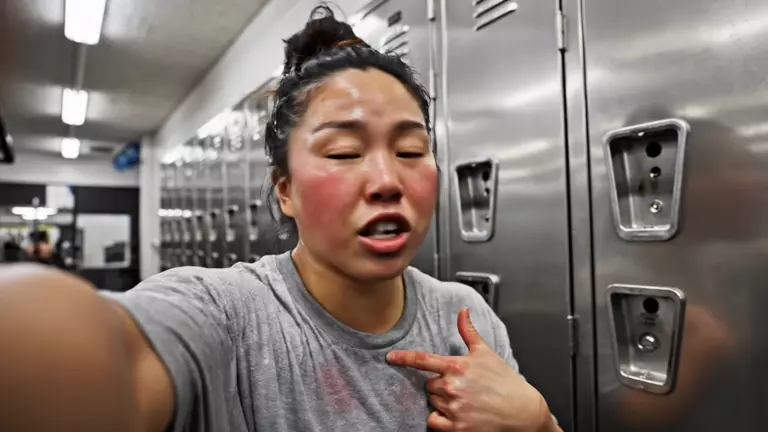
Describe your shot — angle, lens, lighting, dialogue. Veo 3.1 understands the language of film, not just prompts.

Click generate. Veo 3.1 returns a native 4K clip with fully synchronized audio. Download and ship.
Not sure if Veo 3.1 is the right model for your project? Compare Veo 3.1 vs Veo 3.1 Fast and Veo 3 to see which Google video model fits your workflow.
The flagship of the family. Veo 3.1 generates native 4K video with fully synchronized dialogue, sound effects, ambient noise, and music — in a single render. Best for finished work that has to ship as-is.
The speed-tuned variant of Veo 3.1. Renders at 720p and 1080p in a fraction of the time, with the same native-audio pipeline. Pick this for previews, iteration, and high-volume work where wall-clock matters most.
More on Veo 3.1 FastThe previous generation. Veo 3 introduced native audio for AI video and remains a strong baseline at 720p/1080p/4K. Choose this when you want the original Veo 3 look or are comparing against Veo 3.1.
More on Veo 3From filmmakers to marketing teams to indie creators, Veo 3.1 fits into any video workflow.
Try Free NowMap out scenes, characters and concept frames with Veo 3.1 — direct shots in the language of film, with consistent identity across every clip.
Produce campaign-ready video with Veo 3.1 — synchronized dialogue, brand-safe pacing, and fast iteration without booking a shoot.
Generate product spots, demo clips, and lifestyle scenes with Veo 3.1 — swap styles, environments and aspect ratios on the fly.
Use Veo 3.1 for short-form, vertical, and looping content — keep a consistent visual identity across every reel, story, and short.
Explore worlds, characters and moodboards in motion with Veo 3.1 — feed reference images, anchor identity, and iterate at the speed of thought.
Turn scripts into watchable lessons, explainers, or trailers with Veo 3.1 — full-audio drafts in minutes, no editing rig required.
Join thousands of creators pushing the boundaries of AI video with Veo 3.1.
Sign up and generate for free
By continuing, I acknowledge the Privacy Policy and agree to the Terms of Use. I also confirm that I am at least 18 years old
With AudioBest price on market for generations on the best AI models