Gemini Omni
Create anything from any input – starting with video.
Sign up and generate for free
By continuing, I acknowledge the Privacy Policy and agree to the Terms of Use. I also confirm that I am at least 18 years old
 With Audio
Best price on market for generations on the best AI models
Create anything from any input – starting with video.
Sign up and generate for free
By continuing, I acknowledge the Privacy Policy and agree to the Terms of Use. I also confirm that I am at least 18 years old
With AudioBest price on market for generations on the best AI models
Refine any clip turn after turn — same model, same continuity.
Sign up and generate for free
By continuing, I acknowledge the Privacy Policy and agree to the Terms of Use. I also confirm that I am at least 18 years old
With AudioBest price on market for generations on the best AI models
Liquid mirror, line art, felted puppet, hologram, voxel — anything.
Sign up and generate for free
By continuing, I acknowledge the Privacy Policy and agree to the Terms of Use. I also confirm that I am at least 18 years old
With AudioBest price on market for generations on the best AI models
Gravity, kinetic energy, and fluid dynamics, applied to every shot.
Sign up and generate for free
By continuing, I acknowledge the Privacy Policy and agree to the Terms of Use. I also confirm that I am at least 18 years old
With AudioBest price on market for generations on the best AI models
Turn the ordinary into the spectacular — motion stays grounded.
Sign up and generate for free
By continuing, I acknowledge the Privacy Policy and agree to the Terms of Use. I also confirm that I am at least 18 years old
With AudioBest price on market for generations on the best AI models
Drive edits with reference images while the camera move holds.
Sign up and generate for free
By continuing, I acknowledge the Privacy Policy and agree to the Terms of Use. I also confirm that I am at least 18 years old
With AudioBest price on market for generations on the best AI models
From filmmakers to educators — build it turn by turn, in plain language.
Sign up and generate for free
By continuing, I acknowledge the Privacy Policy and agree to the Terms of Use. I also confirm that I am at least 18 years old
With AudioBest price on market for generations on the best AI models
Change a product, a face, or a whole set — the shot holds together.
Sign up and generate for free
By continuing, I acknowledge the Privacy Policy and agree to the Terms of Use. I also confirm that I am at least 18 years old
With AudioBest price on market for generations on the best AI models
Line art, claymation, hologram — pick a look and Omni commits.
Sign up and generate for free
By continuing, I acknowledge the Privacy Policy and agree to the Terms of Use. I also confirm that I am at least 18 years old
With AudioBest price on market for generations on the best AI models
Rebuild the scene around your subject while the move stays intact.
Sign up and generate for free
By continuing, I acknowledge the Privacy Policy and agree to the Terms of Use. I also confirm that I am at least 18 years old
With AudioBest price on market for generations on the best AI models
Edit again and again — characters and motion stay consistent.
Sign up and generate for free
By continuing, I acknowledge the Privacy Policy and agree to the Terms of Use. I also confirm that I am at least 18 years old
With AudioBest price on market for generations on the best AI models
Bring a reference image to life with grounded, believable movement.
Sign up and generate for free
By continuing, I acknowledge the Privacy Policy and agree to the Terms of Use. I also confirm that I am at least 18 years old
With AudioBest price on market for generations on the best AI models
Turn an ordinary clip into something cinematic in one step.
Sign up and generate for free
By continuing, I acknowledge the Privacy Policy and agree to the Terms of Use. I also confirm that I am at least 18 years old
With AudioBest price on market for generations on the best AI models
Gravity, momentum, and fluid dynamics that behave the way they should.
Sign up and generate for free
By continuing, I acknowledge the Privacy Policy and agree to the Terms of Use. I also confirm that I am at least 18 years old
With AudioBest price on market for generations on the best AI models
Describe the change in plain language and watch it land.
Sign up and generate for free
By continuing, I acknowledge the Privacy Policy and agree to the Terms of Use. I also confirm that I am at least 18 years old
With AudioBest price on market for generations on the best AI models
Refine turn after turn until the scene is exactly right.
Sign up and generate for free
By continuing, I acknowledge the Privacy Policy and agree to the Terms of Use. I also confirm that I am at least 18 years old
With AudioBest price on market for generations on the best AI models
Gemini Omni brings Gemini's world understanding directly to your browser — a leap in multimodality and natural-language editing, starting with video. Think of it like Nano Banana, but for motion: build and fine-tune your creation at any step just by asking. Inside SpaceMotion's AI Toolkit it sits alongside Veo 3.1, Nano Banana Pro, Sora, Kling and Flux, so your concept, photo and video work all live in a single workspace.
Omni edits through natural conversation — transform the aesthetic, action, or effect of any input, swap objects and characters, drive edits with reference images, and ground every shot in real-world physics.
Change the aesthetic, action, or effect.
Reshape an input video with a single prompt — liquid mirror, line art, felted puppet, hologram, voxel. Omni keeps the scene coherent while it changes everything you ask it to.
From the ordinary to the spectacular.
Switch up what happens in your videos. Keep a figure in place and turn the table into a bustling market, or rewrite the whole moment — the motion stays grounded and believable.
Your reference. Your direction.
Use reference images to drive your edits — swap a building façade, a wardrobe, or a character for a referenced photo while Omni replicates the original camera move.
Gravity, momentum, fluid dynamics.
Omni has an intuitive understanding of forces — gravity, kinetic energy, and fluid dynamics — so the motion it generates behaves the way the real world does, on every shot.
Gemini Omni is where Gemini's ability to reason meets the ability to create. It delivers a leap in world understanding, multimodality, and editing — starting with video.
Think of Gemini Omni like Nano Banana — but for video. You build and fine-tune your creation at every step with natural language, with the same conversational editing flow.
Transform the aesthetic, action, or effect of an input video. Swap characters and objects. Reimagine the action. Use reference images to drive edits. Iterate turn after turn while Omni preserves continuity.
Yes. Omni has an intuitive understanding of forces like gravity, kinetic energy, and fluid dynamics — so the motion it generates behaves the way the real world does.
Yes. Upload a real clip and use reference images plus natural-language prompts to edit it. Omni anchors to the original while applying your changes.
Every Omni output carries an invisible SynthID watermark and standards-based C2PA Content Credentials, aligned to Google's AI Principles — verifiable inside SpaceMotion.
A glimpse at what the community is creating with Gemini Omni right now.
Conversational editing. Real-world knowledge. Any input, any output.
Conversational editing inside SpaceMotion's AI Toolkit — bring an input, describe the change, and iterate.
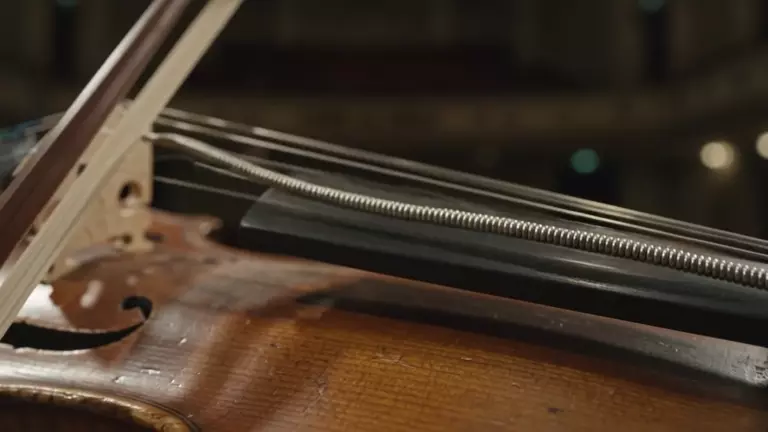
Start from a text prompt, or upload a real clip or reference image to anchor your edit.
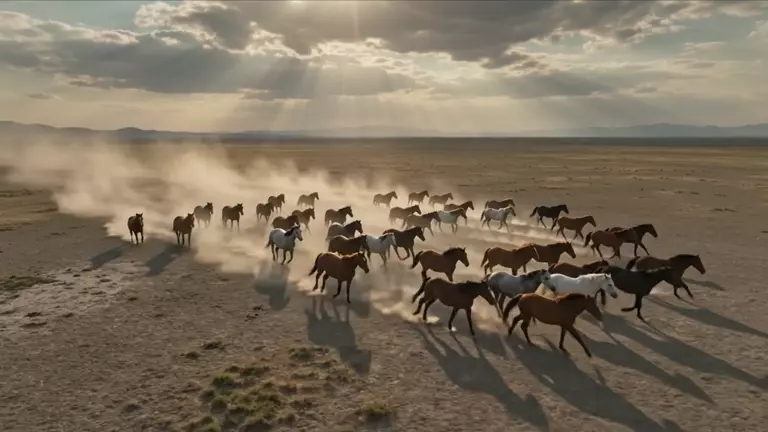
Tell Omni what to transform, swap, or reimagine in plain language — the way you would direct an editor.
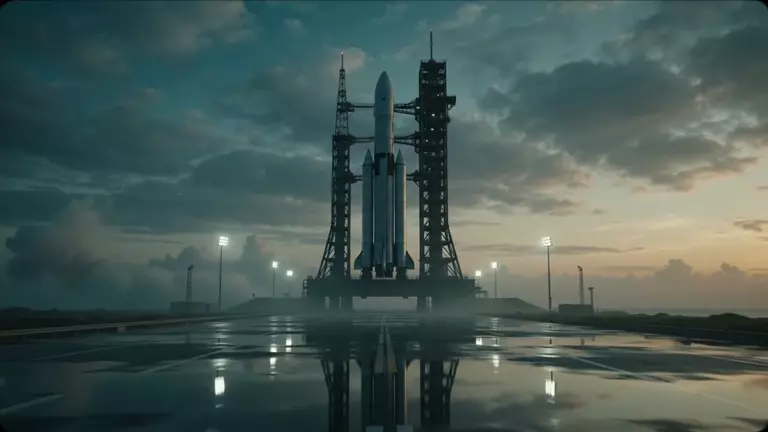
Refine turn after turn. Omni tracks continuity across edits so your scene stays coherent.
Not sure if Omni is the right model for your project? Compare it against Veo 3.1 and Nano Banana Pro to see which fits your workflow.
Where Gemini's reasoning meets creation. Conversational, multi-turn video editing with real-world knowledge — transform, swap, and reimagine any input while continuity holds. Best when you want to direct a scene in natural language.
The flagship text-to-video model — native 4K with fully synchronized dialogue, sound effects, and music in a single render. Pick this when you need finished, audio-complete clips straight from a prompt.
More on Veo 3.1The image counterpart to Omni — conversational, reference-driven image editing with the same natural-language flow. Choose this when your work is still frames rather than motion.
More on Nano Banana ProFrom filmmakers to post teams to indie creators, Omni fits into any video workflow.
Try Free NowBlock out scenes and concept frames, then refine shot by shot — Omni holds character and continuity across every turn.
Re-grade, re-stage, and restyle real footage by talking to the clip — no roundtrip through a stack of plugins.
Swap products, environments, and looks with reference images while the original camera move stays intact.
Spin one shot into a dozen variants — change the aesthetic or the action and keep a consistent identity across them all.
Iterate campaign concepts conversationally, grounded in real-world physics and context — no shoot required.
Bring history, science, and how-things-work to life with grounded motion and on-screen text that lands in time.
Any input, any output. Start shaping your first shot now.
Sign up and generate for free
By continuing, I acknowledge the Privacy Policy and agree to the Terms of Use. I also confirm that I am at least 18 years old
With AudioBest price on market for generations on the best AI models